There may be several reasons why customers should not be able to use locker pickup point shipping methods for certain products. For example, the product is too large, too fragile, or not weather-resistant.
Solution 1
You can mark these products by giving them a special Vendor name and disabling the Parcely widget in the cart for these Vendors.
Video guide:
PS: You can select whether the widget should remain visible when the marked vendor products and regular products are bought together. This rule can be used to hide the widget for virtual products like gift cards, but still show it when a gift card and a physical product are bought together.
Solution 2
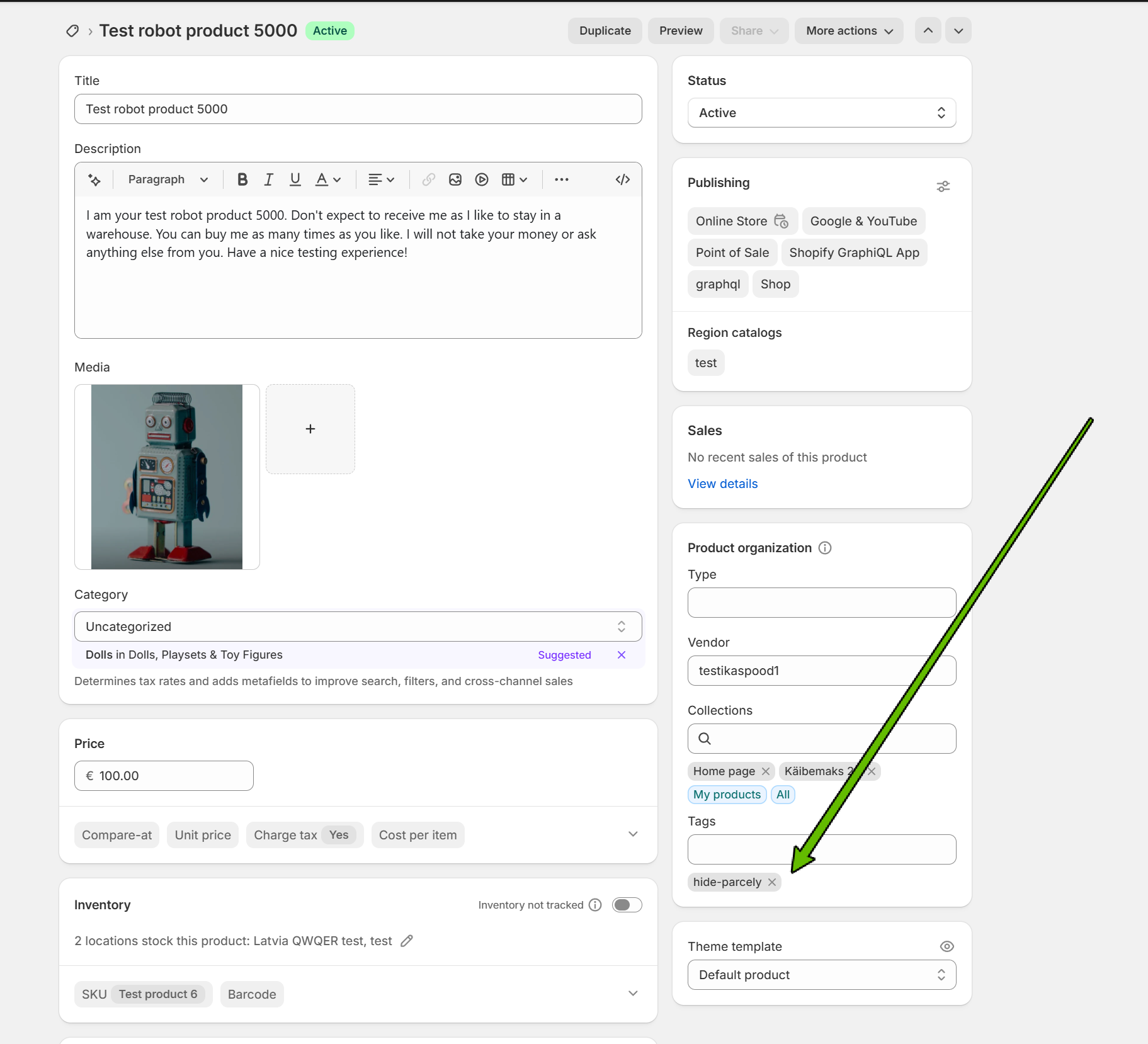
Add the following tag to a product:
hide-parcely
Important to remember!
With this solution, the customer will never see the widget. Even if the customer has products that can be ordered to the Parcel locker in the cart, together with a product that has a hide-parcely tag.
Was this article helpful?
That’s Great!
Thank you for your feedback
Sorry! We couldn't be helpful
Thank you for your feedback
Feedback sent
We appreciate your effort and will try to fix the article