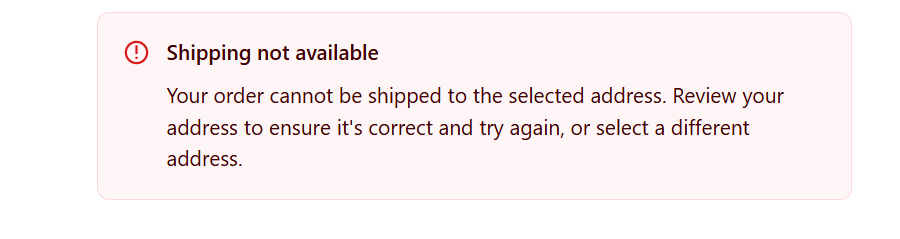
What to do if you see the following error message in your store checkout:
Shipping not available
Your order cannot be shipped to the selected address. Review your address to ensure it's correct and try again, or select a different address.
The most common reason is that you have a shipping rate translation for the parcel locker rates.
Please check the store translation app and ensure that the additional languages do not have any Shipping rate translations. If there are any, please remove the parcel locker shipping rate translations and test again in a fresh incognito window with no prior browser cache.
For example, in the Translate & Adapt app, you can check shipping rate translations like this
If the problem continues, then just reach out to our support at support@parcely.app or ask for help in the support chat. Our support agent will send an access request to your store and double-check all the settings. Most likely, something important is missing, or the shipping rate settings are incorrect.
Was this article helpful?
That’s Great!
Thank you for your feedback
Sorry! We couldn't be helpful
Thank you for your feedback
Feedback sent
We appreciate your effort and will try to fix the article